
OPEX budgets by ledger and month
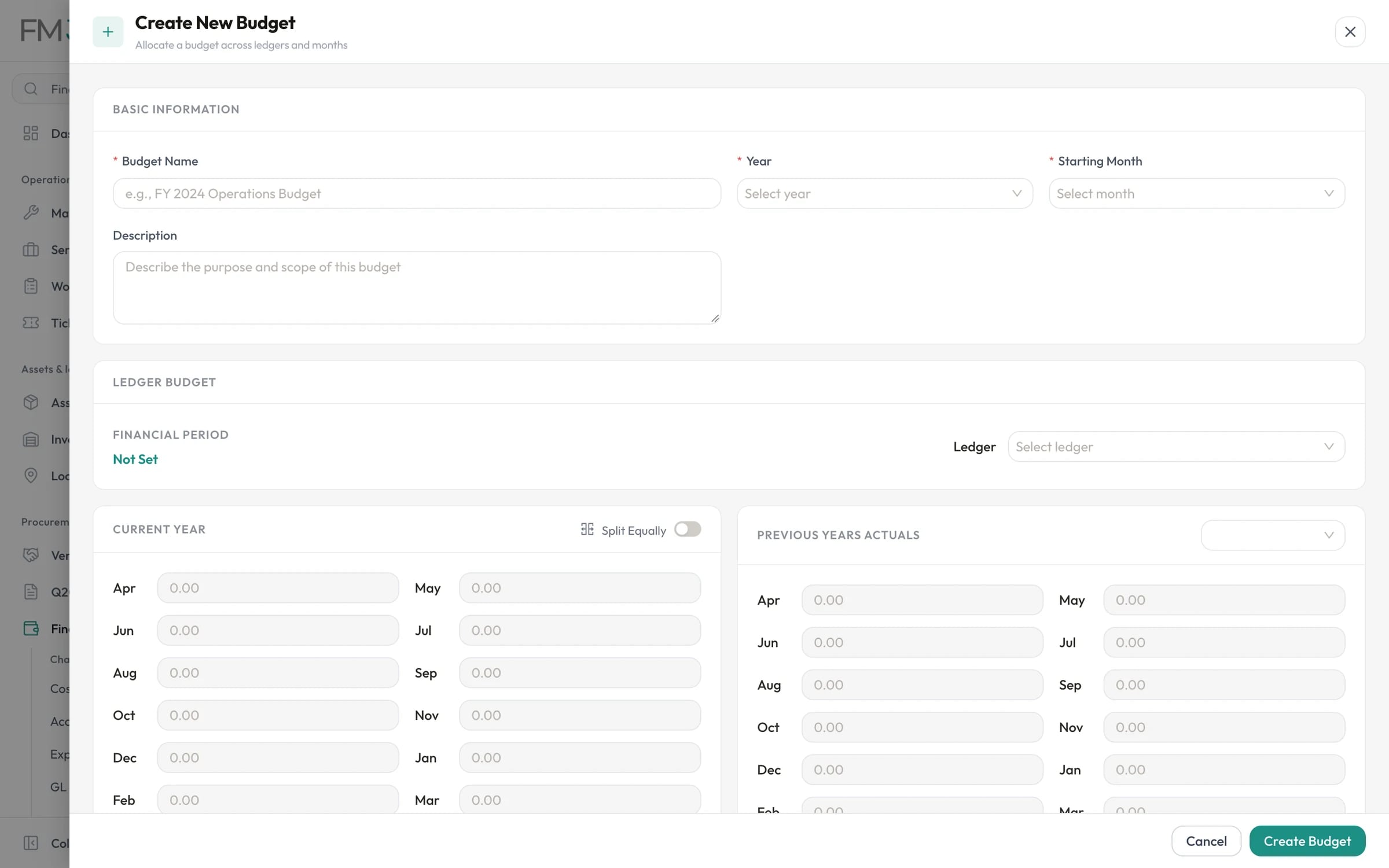
Create a twelve-month budget from any starting month, allocate each ledger month by month or split it equally, and see the previous year's actuals beside it as you plan.
Swipe the screenshot to see all of it.
Budgets and petty cash
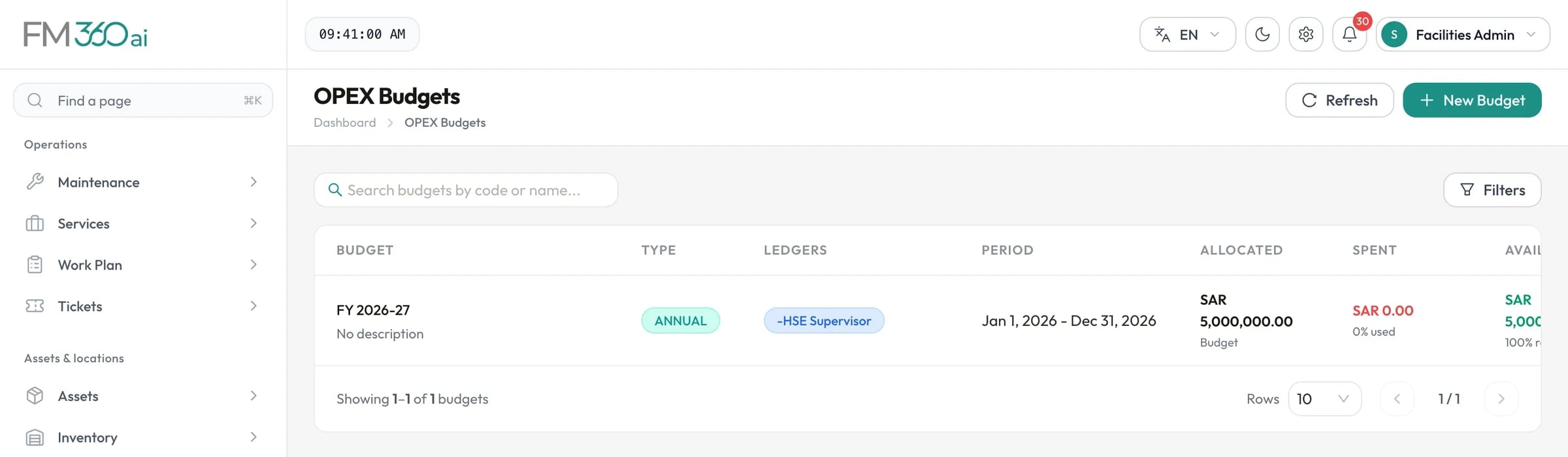
FM360AI holds your facilities budget by ledger and month, records what purchasing has committed and spent against it, and manages petty cash with limits, approvals and a replenishment report.
Swipe the screenshot to see all of it.
The problem
When the budget lives in a finance spreadsheet and purchasing lives elsewhere, nobody approving a purchase order can see what it does to the month.
What FM360AI does
Create a twelve-month budget from any starting month, allocate each ledger month by month or split it equally, and see the previous year's actuals beside it as you plan.
Swipe the screenshot to see all of it.
For work that is not routine operations, set up programmes containing projects, each with its own account allocations, or standalone base programme projects.
Approving a purchase commits budget. Paying it converts the commitment to spend. Closing an order releases what was not used. Approvers see the budget impact on the document before they decide, and over-budget requests are flagged for justification.
Budgets move from draft to submitted, approved and active, through an approval workflow with an approval trail, and are closed at the end of the period.
Give each cash holder a limit. Technicians request petty cash from a ticket with an amount, a reason and a photo of the invoice. Supervisors approve, adjust the amount or reject, and each transaction gets a voucher number.
Compare budget and actuals by ledger, month and project, with Excel export. Budget utilisation, cost analysis and building-wise expense reports sit alongside.
How it works
Set up ledgers and cost centres and build the year's budget month by month.
Submit the budget through its approval workflow and activate it.
Purchases approved during the year reserve budget on the lines they draw on.
Payments convert commitments to actual spend; unused commitments are released.
Budget analytics show utilisation by ledger and month throughout the year.
The scope and limits of this part of the product, so there are no surprises later.
Yes. When a purchase is approved, the amount is committed against the budget line it draws on. When it is paid, the commitment becomes spend, and if the order closes for less, the difference is released.
The document is flagged as over budget or unbudgeted and a justification is required. Payment requests outside the budget follow a separate path in which a signed approval document is uploaded before the request can be approved.
Yes. From a ticket in the technician app, they submit a petty cash request with the amount, the reason and a photo of the invoice. The supervisor approves it in the console or the mobile app.
No. It tracks facilities budgets, commitments, spend and petty cash so that operational decisions are made with the numbers visible. Your general ledger stays where it is.

Tell us how requests reach your team today and what you maintain. We will walk you through the product on a call, using the workflows that matter to you.